Publications
ETH Zurich
Software
Pictures
Matteo Corti
|
This is my personal homepage. For information about
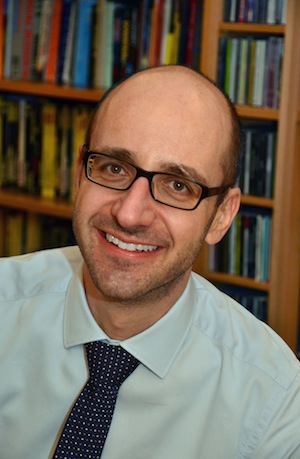
About meI was born in Ticino (the southern part of Switzerland where people speak Italian) in 1974. I lived there until 1993 when I moved to Zürich to study computer science at the Swiss Federal Institute of Technology. After graduation I joined the Laboratory for Software Technology under the supervision of Prof. Thomas Gross to work in the field of compiler construction. I defended my thesis Approximating the Worst-Case Execution Time of Soft Real-Time Applications in March 2005. After working for three month as as a compiler engineer at Freescale Semiconductor in Schlieren, Zürich, Switzerland I joined in November 2005 the Information and Communication Services of the ETH Zurich. From May 2008 to May 2013 I was the head of the Identity/Access Management & eServices group of the Information and Communication Services of the ETH Zurich. From June 2013 to December 2021 I was the head of the ITS User Services division at ETH Zurich. From January 2022 I am the Operation Manager of the ID Application Section of the ITS at ETH Zurich.
You can find more information in my curriculum vitae
(pdf) or my |
|
||||
|
|||||


